
Seedance 2.0 Prompt Guide: Best Prompts, Tips & Examples | Seedance 2
[Style]: Eastern Wuxia pinnacle duel, Extreme Kinetic Energy, aesthetics of environmental destruction, fast-paced editing, cinematic particle effects, epic score atmosphere. [Duration]: 15 seconds. [Characters]: Grandmaster in white VS Grandmaster in black. Shot 1: High-speed Collision. Both the white and black figures transform into afterimages, colliding violently in the center of an ancient stone platform. At the moment of weapon contact, blinding sparks and a visible ring-shaped high-pressure Shockwave burst out. The surrounding flagstone ground instantly cracks, blasting up debris and rubble. Shot 2: Mid-air Combat & Destruction. Both soar into the air, weaving and clashing at high speed amidst falling boulders, moving too fast for moves to be seen clearly. Every block triggers a visual sense of air distortion. They crash through a massive stone pillar; the pillar collapses and shatters into powder, dust filling the air, showcasing extreme destructive power. Shot 3: Ultimate Climax. Both land and simultaneously release their ultimate moves, causing two massive energy orbs (one cyan, one red) to clash against each other. This triggers an earth-shattering explosion of dust and energy. Mushroom-cloud-like smoke rises to obscure everything, and the entire base of the stone platform begins to collapse and sink.
[Style]: Eastern classical Xianxia aesthetics, aestheticism, cinematic quality, fluid cloth simulation, glowing particle effects, dreamy lighting. [Duration]: 15 seconds. [Protagonist]: Exquisite fairy, wearing multi-layered plain white ethereal feather-clothing, extra-long floating ribbons. Shot 1: Epic Wide Shot. Location is an ancient platform on a floating immortal island above a sea of clouds. The fairy stands still, backed by immense rays of morning glow (Tyndall effect). The focus is on the countless long silk ribbons on her body dancing extremely smoothly in the wind, spreading across the screen like water ripples, showcasing the ultimate elegance of floating fabric. Shot 2: Slow-motion Medium Shot. The fairy begins the classical Jinghong Dance (Frightened Swan Dance). She rises into the air (anti-gravity Qinggong feel), spinning and throwing out wide water sleeves. The lens focuses on the form of the silk sleeves blooming in the air and her elegant body language. Shot 3: Close-up & Interaction. Camera zooms in to a facial close-up. She lightly parts her red lips to begin singing (natural singing mouth shape). Accompanying the song, countless glowing pink flower petals appear out of thin air, forming a dazzling particle storm vortex around her, her eyes filled with divine radiance.
[Style]: Ultimate Girlfriend POV, Handheld Selfie VLOG, Vertical Aspect Ratio (9:16), Film Grain Filter, Natural Light (Golden Hour), camera includes natural shake and adjustments. [Duration]: 15 seconds. [Protagonist]: Taiwanese girl, long slightly curled hair, wearing a gentle knit cardigan, clean/sheer makeup, speaking tone is soft, slightly spoiled/coquettish with a complaining accent. [Scene]: Taipei Tamsui riverbank, background is the golden sunset, shimmering river surface, and the Lover's Bridge in the distance. Shot 1: The Rushed Intro. The camera shakes significantly because she is walking fast. She looks back at the camera (looking at you) while walking, brows slightly furrowed, pretending to be angry. One hand holds the phone, while the other hand holds down her hair which is being blown by the wind. Shot 2: Sharing the View. She stops walking, moves the camera away from her face, and turns it towards the stunning golden sunset across the river (Golden Hour). The camera displays the scenery for 2 seconds, then immediately turns back to focus on her face. Her face is illuminated golden by the sunset, showing a super happy smile. Shot 3: The Interaction. Suddenly, she is holding a super tall soft-serve ice cream unique to Tamsui. She first holds the ice cream up to the camera (as if feeding you), then quickly takes a lick herself. A bit of ice cream accidentally gets on the tip of her nose. She giggles foolishly at the camera.
Whether you are new to AI video creation or looking to sharpen your skills, this Seedance 2.0 prompt guide will help you write better prompts and unlock the full creative potential of the Seedance 2 AI video generator. From basic seedance prompt structure to advanced video prompting techniques, every section below is designed to help you generate stunning AI videos with Seedance 2.0.
What Is a Seedance 2.0 Prompt
A Seedance 2.0 prompt is a text description you provide to the AI video engine to generate a video. Your seedance prompt tells the model what subject to show, what scene to create, which visual style to apply, and how the camera should move. The quality of your prompt directly determines the quality of the generated AI video output.
Seedance 2.0 uses an advanced language model that interprets natural language prompts and converts them into cinematic video sequences. Unlike simple keyword-based video generators, the prompt engine in Seedance 2.0 understands context, spatial relationships, and temporal flow — meaning more detailed prompts produce more impressive AI video results.
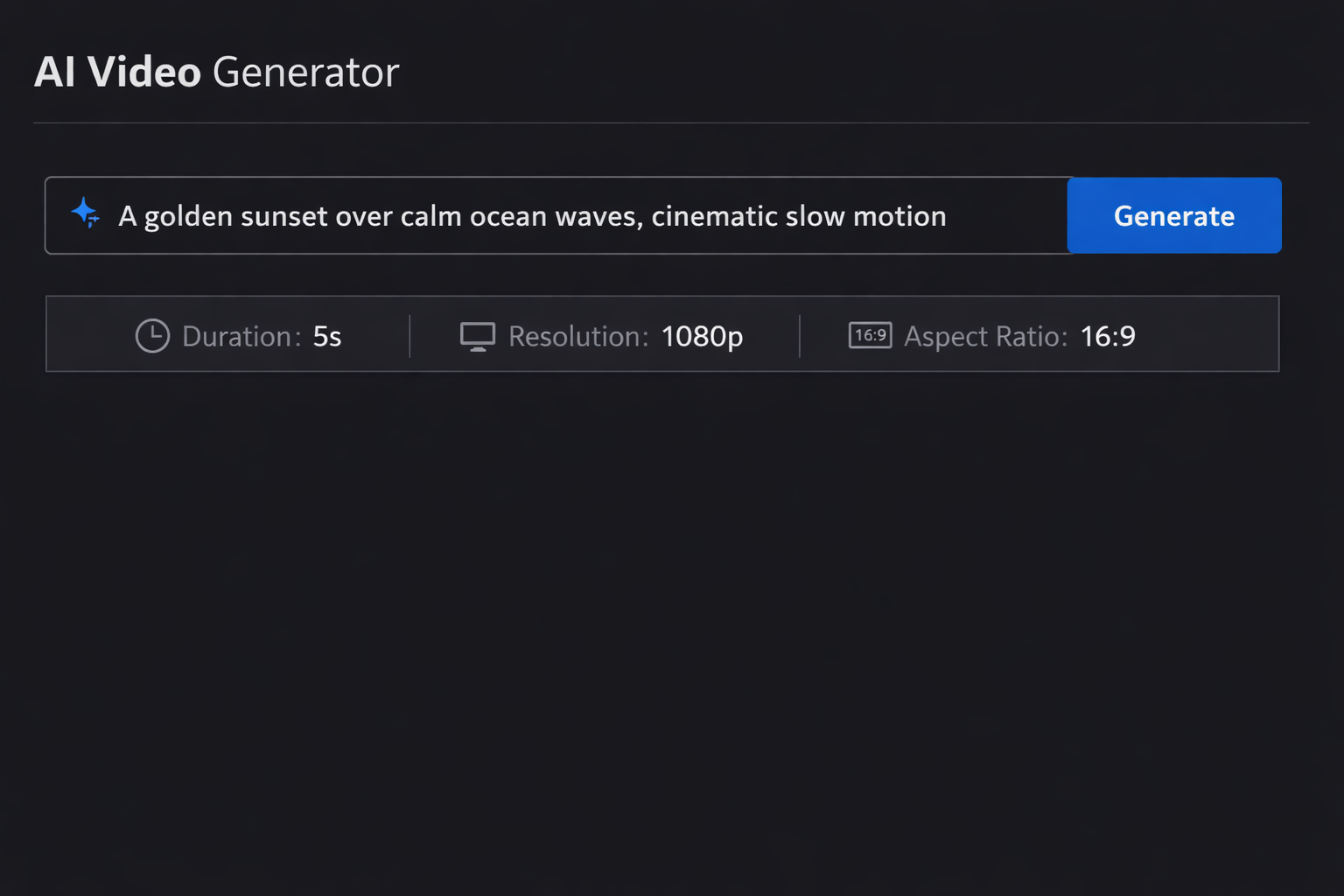
When you enter a seedance prompt into the Seedance 2 video generator, the AI processes your text and produces a video clip of 5 to 15 seconds, depending on your video settings. Understanding how to write effective prompts is the single most important skill for creating professional AI videos with Seedance 2.0.
How to Write Effective Seedance Prompts
Writing a great seedance prompt follows a proven four-part structure. Each element builds upon the previous one to create a comprehensive prompt that delivers consistent, high-quality AI video output from Seedance 2.0.
Describe the Subject in Your Seedance Prompt
The first element of any effective seedance prompt is a clear subject description. Tell the AI video generator exactly what or who should appear in the video. Be specific about physical characteristics, positioning, and number of subjects.
Weak prompt: "A person in a city"
Strong seedance prompt: "A young woman wearing a red leather jacket, walking confidently through a rain-soaked street at night"
The more specific your prompt subject description, the more control you have over the video output. Include details about clothing, expressions, body language, and any objects the subject interacts with in your AI video.
Set the Scene and Environment
After establishing the subject, describe the surrounding environment in your seedance prompt. The video generator excels at rendering complex environments when your prompt provides enough spatial context for the AI video engine.
Include details about:
- Location and setting — indoor, outdoor, specific places for the scene
- Time of day — dawn, midday, golden hour, dusk, night
- Weather and atmosphere — fog, rain, snow, clear skies, dust particles
- Lighting conditions — soft ambient, harsh directional, neon, candlelight
A good seedance prompt environment description transforms a simple subject into a complete visual narrative. The AI video generator creates more immersive videos when your prompt paints a full picture of the world around your subject.
Define Visual Style and Mood
Seedance 2.0 supports a wide range of visual styles through your prompt. This is where your seedance prompt moves beyond basic description into creative video direction.
Style keywords that work well in seedance prompts for AI video generation include:
- Cinematic — film grain, anamorphic lens, shallow depth of field
- Photorealistic — ultra-detailed, natural lighting, RAW photo look
- Animated — Pixar-style, 2D anime, watercolor, stop-motion
- Artistic — oil painting, impressionist, surrealist, minimalist
- Commercial — studio lighting, product photography, clean backgrounds
Adding mood indicators to your seedance prompt — such as "melancholic," "energetic," "mysterious," or "serene" — helps the AI video engine match the emotional tone of the generated video.
Add Camera Movement and Transitions
The final layer of an effective seedance prompt is camera direction. Seedance 2.0 understands professional cinematography terminology, so including camera instructions in your prompt gives you director-level control over the final video output.
Camera movements for your seedance prompt:
- Slow dolly forward — gradually moves the frame into the scene
- Aerial tracking shot — follows the subject from above
- Static wide angle — holds a fixed frame capturing the full environment
- Handheld close-up — intimate, slightly unsteady frame on details
- Smooth pan left to right — reveals the scene horizontally
- Crane shot rising — dramatic upward reveal
Including camera direction in your seedance prompt is what separates amateur AI videos from cinematic-quality video output generated by Seedance 2.0.
Best Seedance 2.0 Prompt Examples
Below are tested seedance prompt examples organized by video category. Each prompt has been crafted following the four-part structure described above. Use these as templates for your own AI video prompt creations, or try them directly in Seedance 2.
Cinematic Seedance Prompts
Cinematic seedance prompts focus on dramatic compositions, film-grade lighting, and professional camera work. These prompts produce movie-quality AI video sequences that rival professional video production.
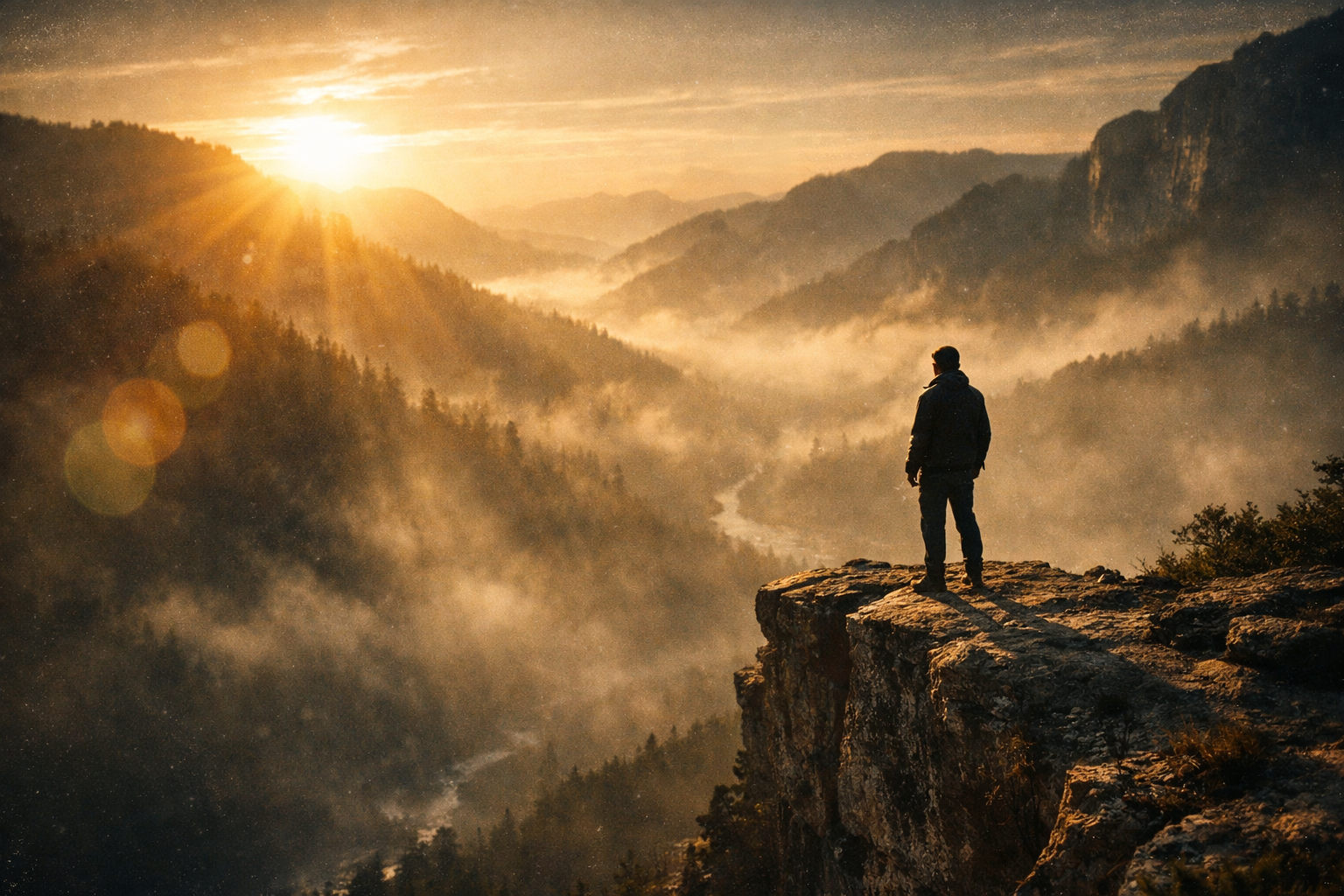
"A lone figure standing on the edge of a cliff overlooking a vast misty valley at golden hour. Volumetric sunlight streaming through clouds, lens flare, warm color grading. Slow dolly forward with subtle parallax, cinematic 2.39:1 aspect ratio"
"Two silhouettes facing each other on a rooftop during a thunderstorm, lightning illuminating the scene in brief flashes. Rain droplets caught in slow motion, dramatic backlighting. Orbiting camera movement, film noir aesthetic"
"A vintage train emerging from a tunnel into a snow-covered mountain landscape. Steam billowing from the locomotive, soft winter light, shallow depth of field. Tracking shot following the train from the side, Wes Anderson color palette"
Nature and Landscape Prompts for Seedance
Nature and landscape seedance prompts leverage the AI video generator's ability to render photorealistic environments, water dynamics, and natural lighting conditions in every video frame.
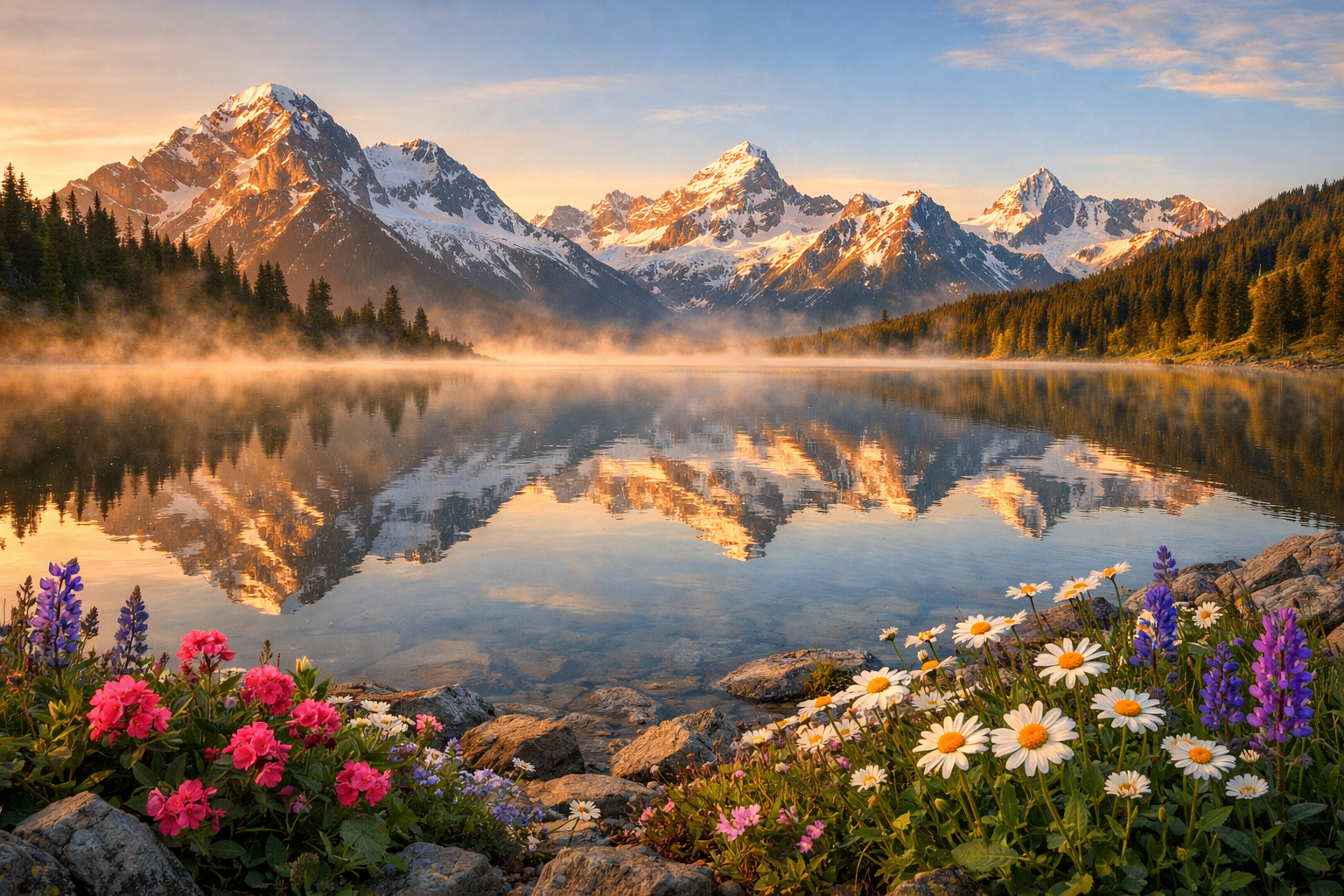
"Snow-capped mountain peaks reflected in a crystal-clear alpine lake at sunrise. Morning mist rising gently from the water surface, wildflowers swaying in a light breeze in the foreground. Slow aerial drone shot pulling back to reveal the full panorama, photorealistic"
"A dense tropical rainforest canopy seen from below, with beams of golden sunlight filtering through the leaves. Exotic birds flying between the branches, rain droplets falling in slow motion. Smooth upward crane shot, National Geographic documentary video style"
Storytelling and Lifestyle Seedance Prompts
Storytelling seedance prompts create narrative-driven video scenes with human subjects and emotional depth. The AI video generator handles character-driven prompts with remarkable natural motion and realistic video output.
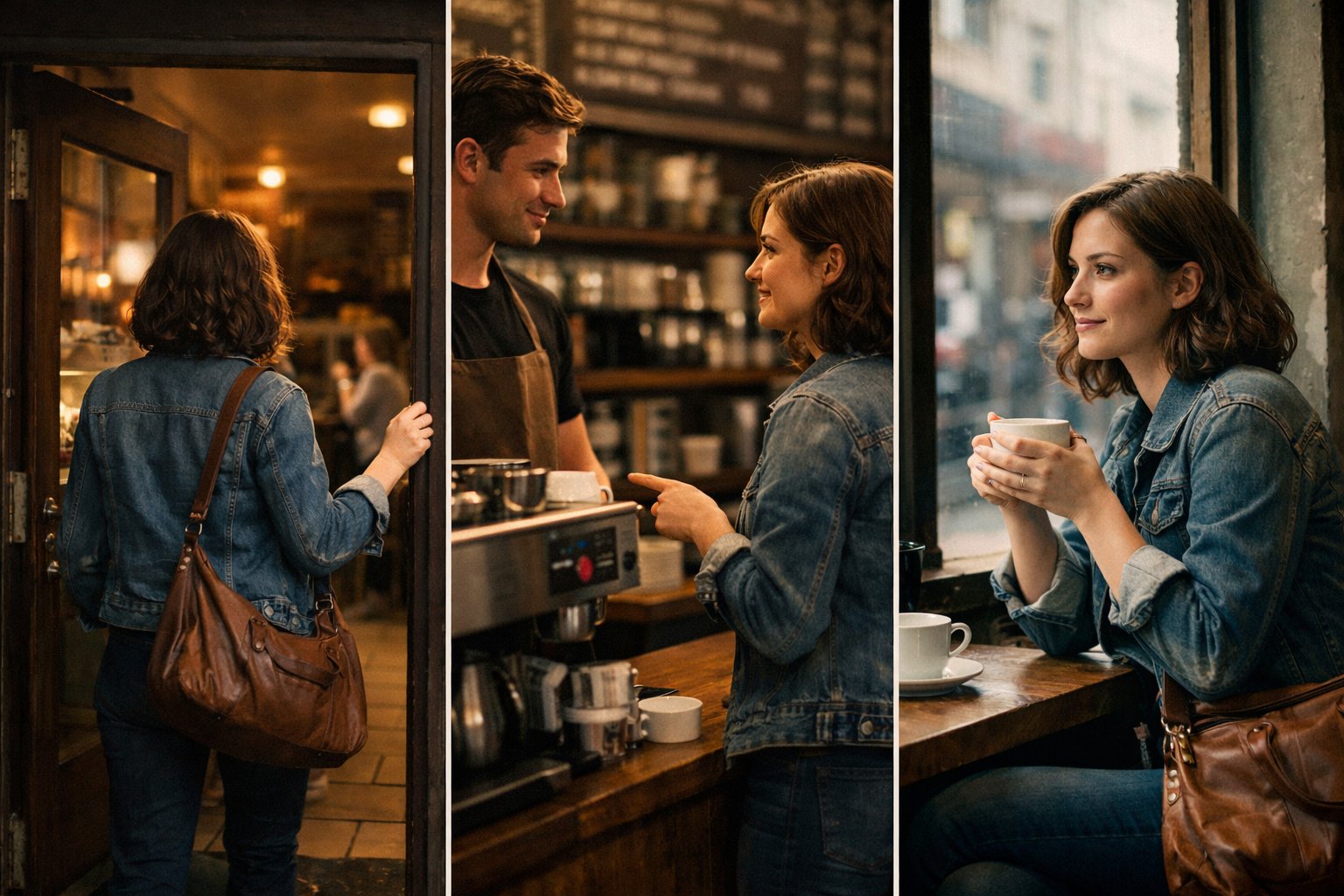
"A woman pushing open the door of a vintage cafe, warm golden light spilling from inside. She smiles at the barista who is preparing her regular coffee. Close-up on the steaming cup being placed on the wooden counter. Soft bokeh background, indie film color grading, handheld camera feel"
"An elderly artist painting on a canvas in a sunlit studio, surrounded by years of finished works leaning against the walls. Paint-stained hands moving with practiced precision, dust particles floating in light beams. Slow push-in from medium shot to close-up of the brush strokes"
Product and Commercial Video Prompts
Product-focused seedance prompts produce polished commercial-grade AI videos. Seedance 2.0 is ideal for creating marketing content, product showcases, and advertisement concepts in video format.
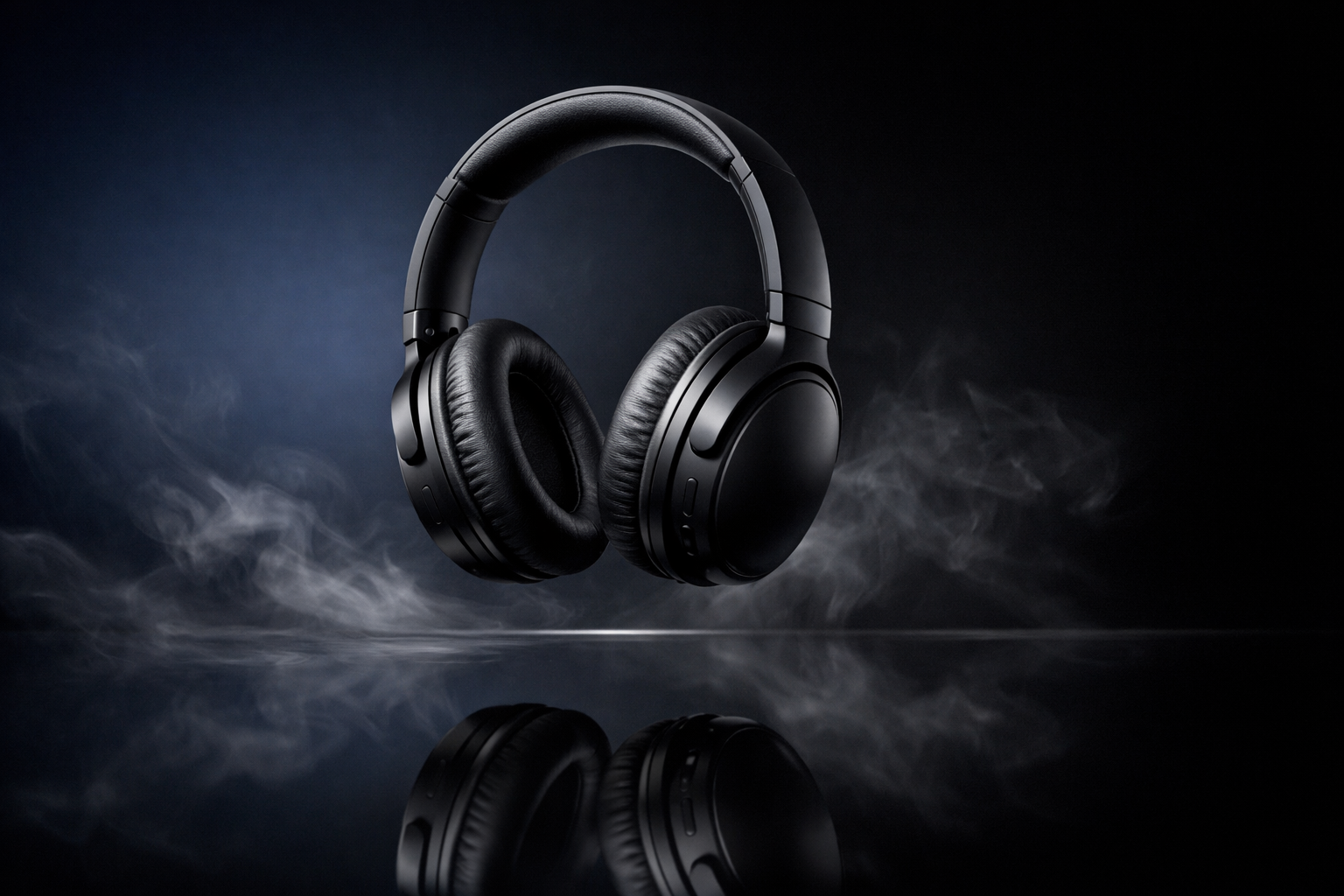
"A pair of sleek black wireless headphones floating and slowly rotating above a reflective dark surface. Subtle smoke effects drifting beneath, gradient background from deep navy to black. Professional studio lighting with soft rim light, 360-degree orbiting camera"
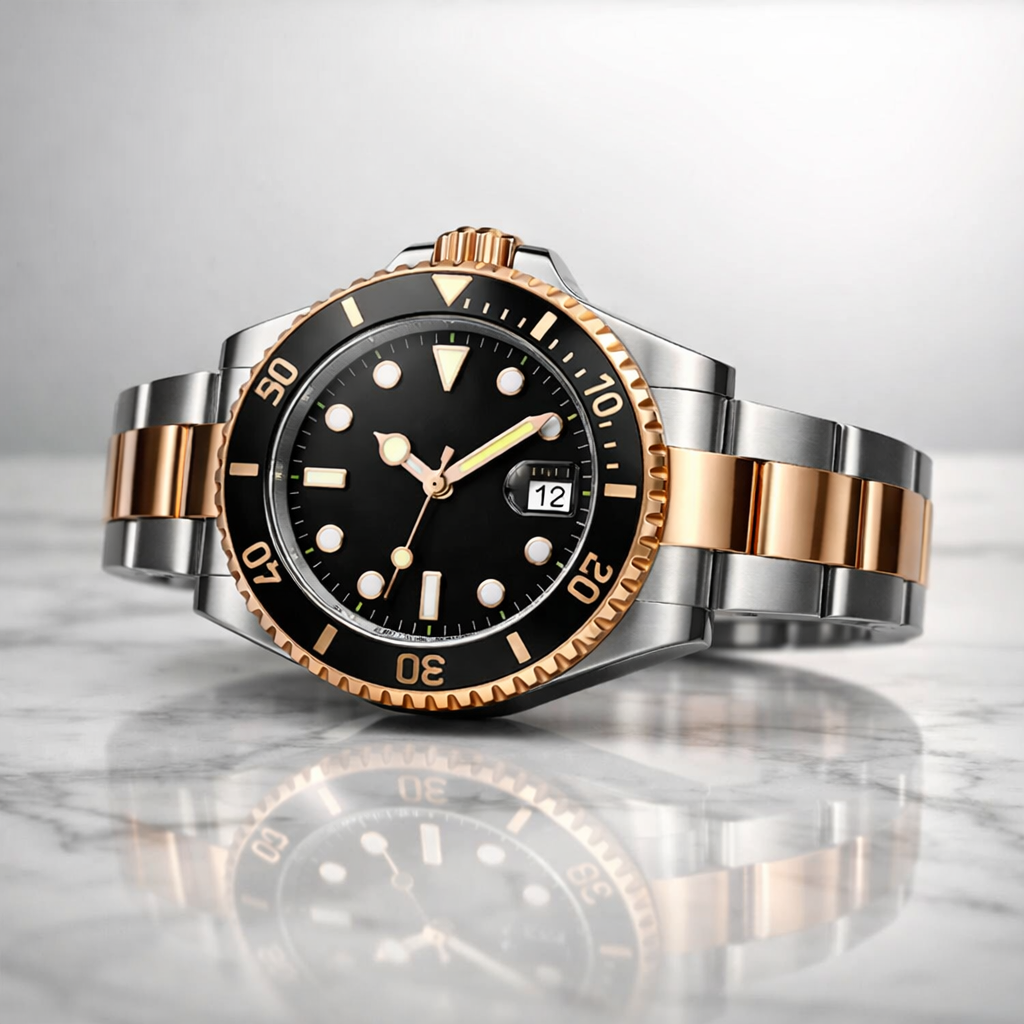
"A luxury wristwatch resting on a marble surface, golden hour light hitting the dial creating subtle reflections. Water droplets condensing on the glass face, extreme macro detail. Slow dolly-in from medium to extreme close-up, premium commercial video photography style"
"A frosted glass perfume bottle on a bed of white silk, soft directional light creating elegant shadows. Rose petals falling in slow motion around the bottle. Smooth 360-degree orbit, luxury fashion video advertisement aesthetic"
Sci-Fi and Fantasy Seedance Prompts
Sci-fi seedance prompts push the creative boundaries of AI video generation with futuristic environments, fantastical elements, and imaginative world-building in every frame.
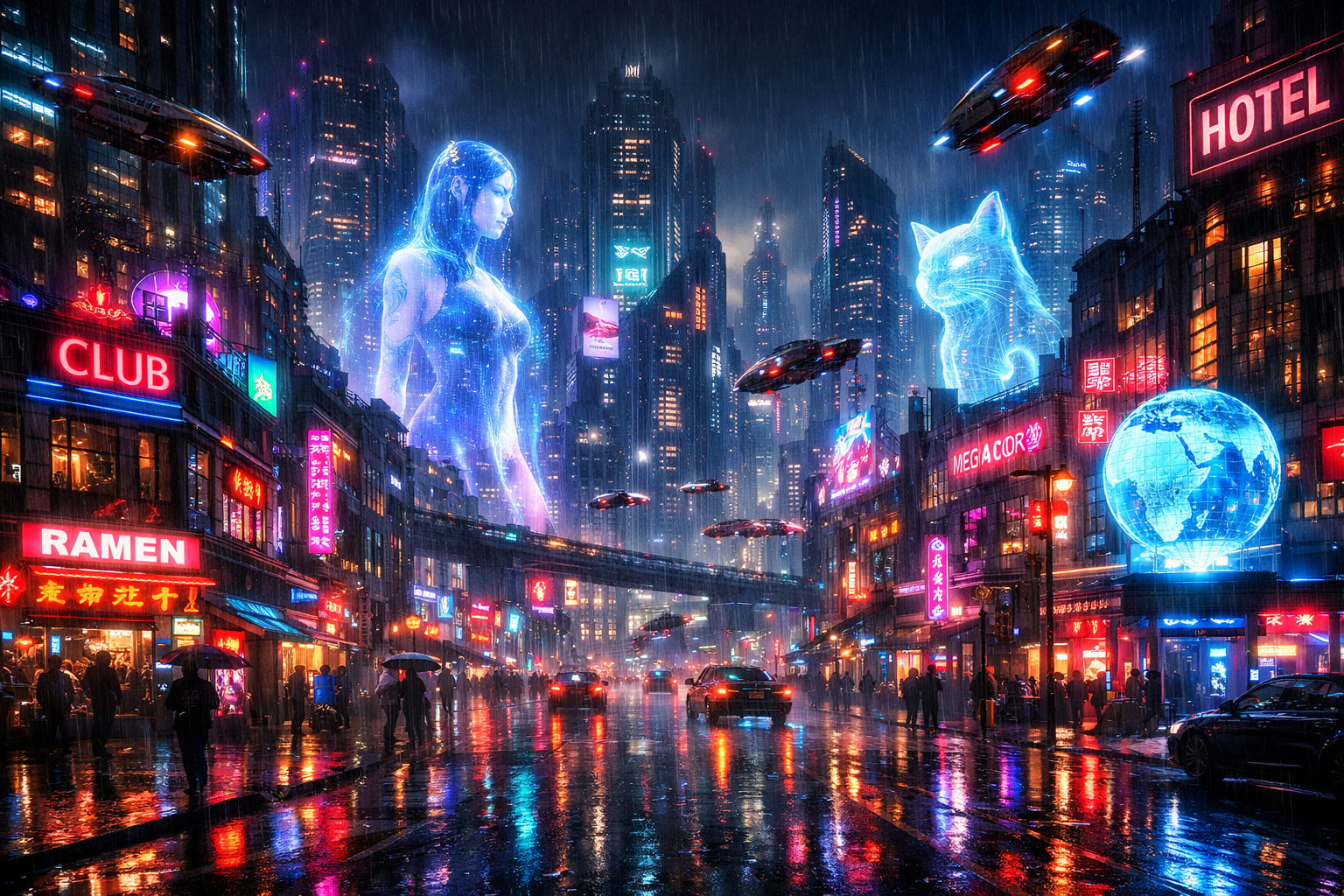
"A cyberpunk cityscape at night with neon-lit skyscrapers, massive holographic advertisements displaying a woman's face and a glowing cat, flying vehicles streaming between buildings. Rain-slicked streets reflecting colorful lights, people with umbrellas below. Slow descending crane shot from above, Blade Runner aesthetic"
"A vast alien desert planet with two suns setting on the horizon, casting long purple and orange shadows across sand dunes. A lone spacecraft descending with landing thrusters firing, kicking up dust clouds. Wide establishing shot, epic sci-fi scale, Dune-inspired cinematography"
Urban and Street Seedance Prompts
Urban seedance prompts capture the energy and atmosphere of city life in AI video form. The video generator renders detailed urban environments with authentic textures and natural human movement.
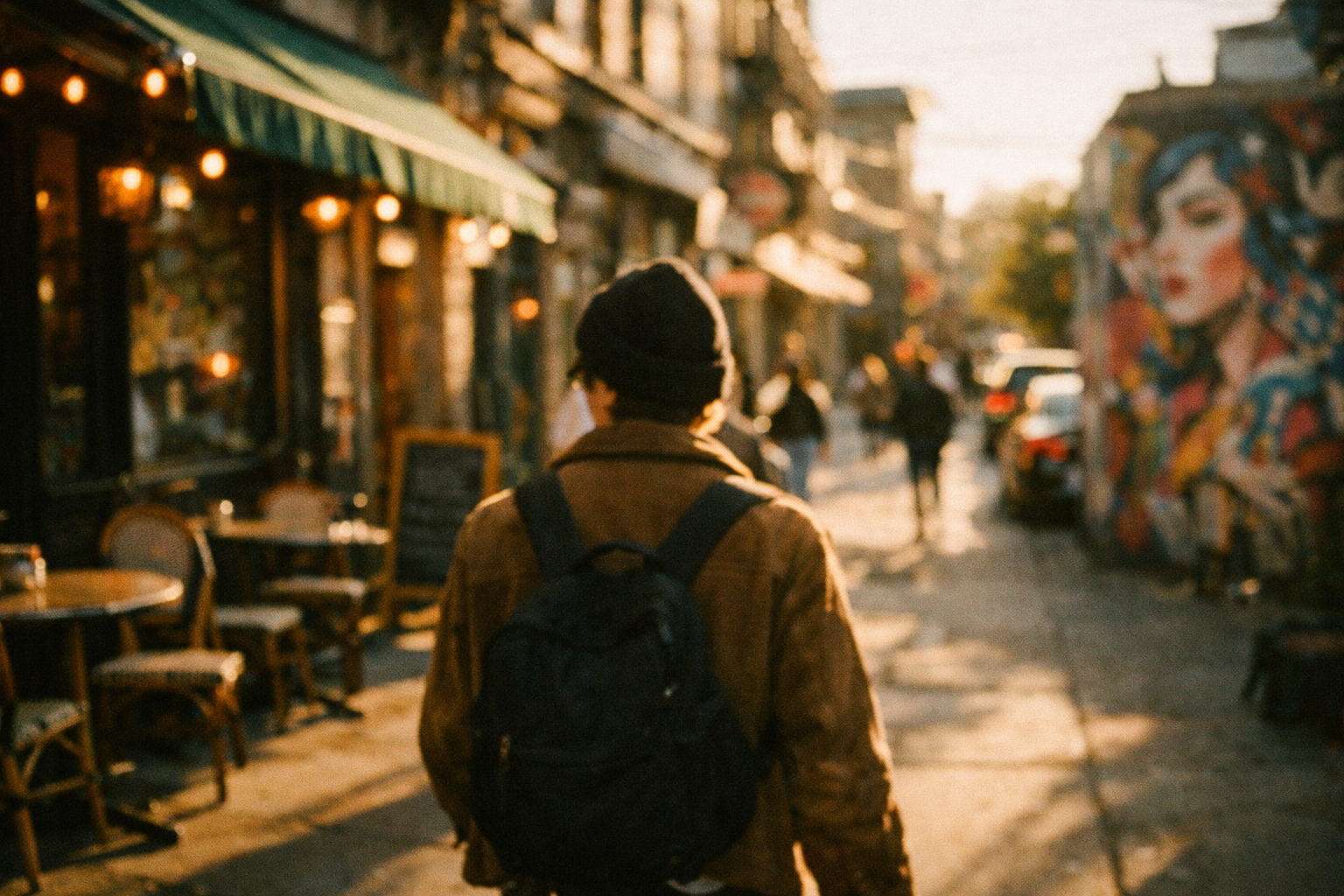
"A person with a backpack walking through a trendy neighborhood street lined with vintage cafes and colorful street art murals. Late afternoon golden hour light casting long shadows, shallow depth of field with bokeh highlights. Tracking shot following from behind, indie film aesthetic"
"A busy Tokyo intersection at night, hundreds of people crossing in different directions under massive illuminated billboards. Reflections on wet pavement, neon signs in Japanese characters. High-angle wide shot, time-lapse feel transitioning to normal speed, Lost in Translation mood"
Seedance Text-to-Video Prompting Tips
These seedance prompting tips apply specifically to text-to-video generation. Apply these techniques alongside the four-part prompt structure for the best AI video results with Seedance 2.0.
Use Descriptive and Specific Language
Effective seedance prompts rely on precise, descriptive language rather than vague directions. The AI video generator responds best when your prompt provides concrete visual details for the video output.
Instead of: "A nice sunset" Write: "A warm golden sunset with pink and orange streaks across a cloudy sky, the sun half-hidden behind the horizon line, golden light reflecting off calm ocean water"
Replace abstract adjectives like "beautiful" or "amazing" with concrete sensory details. Your seedance prompt should paint a picture that a cinematographer could reproduce as a real video. The more visual information you provide, the more accurate and stunning your AI video becomes.
Specify Duration and Pacing
Seedance 2.0 generates AI videos of varying lengths. Your prompt should account for the intended video duration. A 5-second prompt should describe a single focused moment, while a 10 to 15-second seedance prompt can include progressive action or scene development in the video.
For shorter video prompts (5 seconds), focus on one clear action or reveal. For longer AI videos, describe a video sequence: "Starting with a wide establishing shot, then slowly pushing in to reveal..."
Control Camera Angles for Better Results
Camera direction is one of the most impactful elements in any seedance prompt for AI video creation. Including specific cinematography terms drastically improves the visual quality of your generated video.
Effective camera keywords for your seedance prompt: dolly, pan, tilt, crane, tracking, static, handheld, aerial, close-up, wide shot, medium shot, over-the-shoulder, POV, rack focus. Combine camera direction with speed indicators like "slow," "smooth," or "gradual" for more controlled AI video output.
Seedance Image-to-Video Prompt Guide
The seedance image-to-video feature transforms still images into dynamic video sequences. Writing a prompt for image-to-video requires a different approach than text-to-video prompting when creating AI videos.
How to Prompt Seedance Pro for Image-to-Video
When using the image-to-video mode, your seedance prompt should describe the motion and change you want to see in the video — not the image content itself, since the AI already sees the uploaded image.
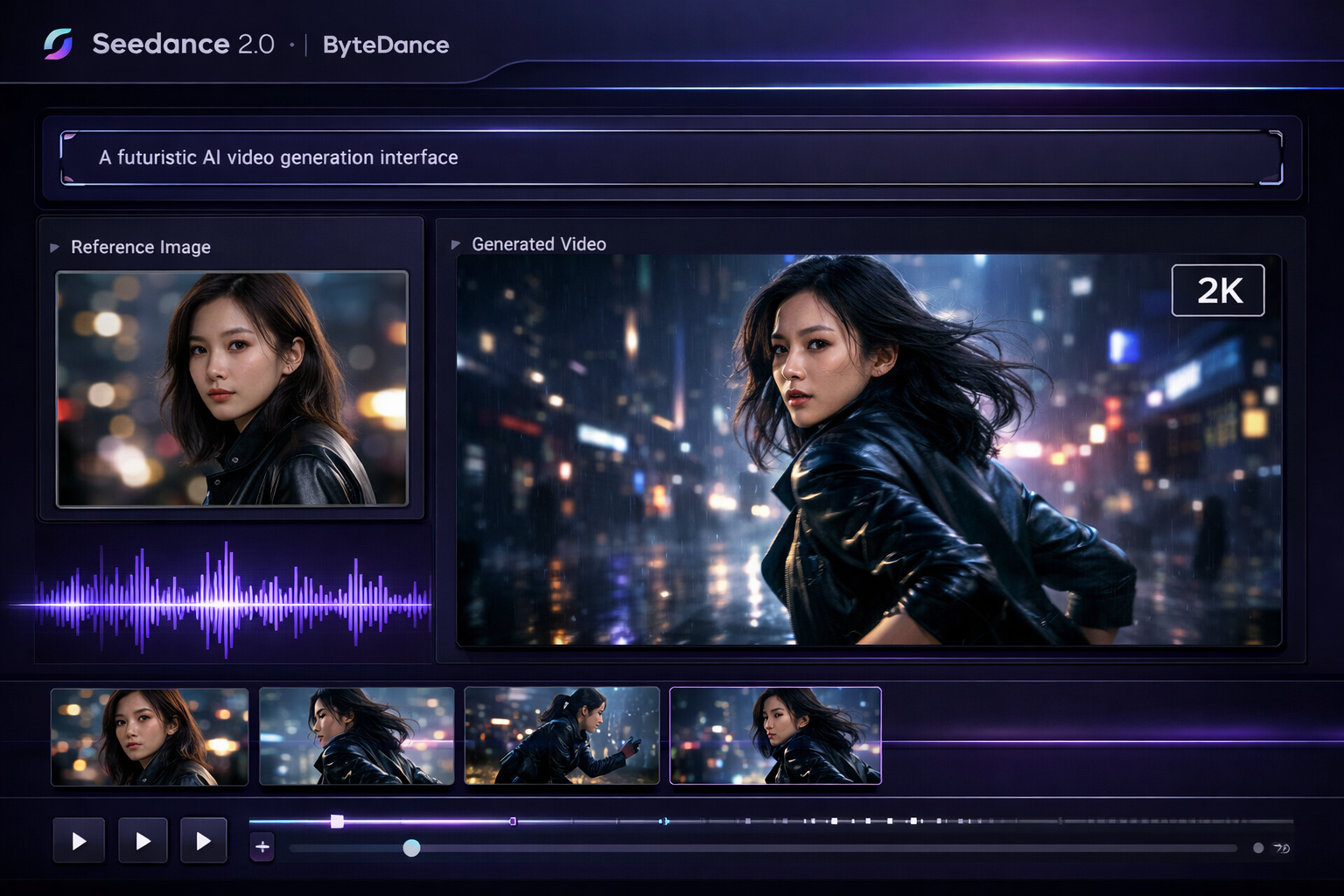
For example, if you upload a portrait photo, instead of writing "a woman with dark hair" (which repeats what the AI video engine already sees), write a seedance prompt focused on video movement:
"The woman turns her head slowly to the left, her hair flowing with the movement. A gentle breeze moves through the scene. Soft bokeh background shifts with subtle parallax. Slow motion, cinematic"
This approach gives the AI video generator clear direction about what should animate while respecting the visual information already present in the source image for the video output.
Image-to-Video Prompt Best Practices
Follow these best practices when writing seedance prompts for the image-to-video feature:
- Describe motion, not appearance — The AI video engine already analyzes the uploaded image
- Keep movements natural — Subtle, realistic video motions work better than extreme transformations
- Specify camera behavior — Tell the video generator whether the camera should be static or moving
- Match the image mood — Your seedance prompt should enhance the existing emotional tone of the video
- Use supported formats — The AI video generator works best with JPG and PNG images above 720p resolution
For best results with image-to-video, upload high-resolution images and write seedance prompts that describe gradual, believable motion in your AI video.
Advanced Seedance Prompting Techniques
Once you have mastered the basics, these advanced prompting techniques will help you achieve professional-level AI video results consistently with Seedance 2.0.
The Seedance Prompt Formula
Use this tested seedance prompt formula as a template for any AI video generation:
[Subject] + [Action] + [Environment] + [Lighting/Atmosphere] + [Camera Movement] + [Style Reference]
Example using the seedance prompt formula for video:
"A black cat [subject] leaping gracefully from one rooftop to another [action] across a twilight cityscape with distant twinkling lights [environment], warm amber streetlights creating long shadows [lighting], smooth tracking shot following the jump in slow motion [camera], Studio Ghibli animation style [style]"
This seedance prompt formula ensures every AI video generation has visual clarity, narrative direction, and stylistic coherence. Adapt the formula to any video genre or purpose by swapping each element.
Common Prompting Mistakes to Avoid
Even experienced users make these seedance prompting mistakes that reduce AI video output quality:
- Too vague — "A cool video of space" gives the AI video generator almost nothing to work with. Add specific celestial objects, colors, and camera movement to your prompt
- Contradictory directions — "A bright sunny scene at midnight" confuses the prompt engine. Keep your video descriptions internally consistent
- Keyword stuffing — Repeating "4K ultra HD cinematic masterpiece" does not improve AI video output. Focus on descriptive content instead of quality modifiers
- Ignoring camera direction — Without camera movement in your seedance prompt, the video defaults to basic framing. Always include at least one camera instruction
- Overly complex narratives — A single seedance prompt should describe one cohesive video scene. For multi-scene video narratives, use multiple generations and edit together
Avoiding these common mistakes will immediately improve your AI video prompt results.
Frequently Asked Questions About Seedance 2.0 Prompts
What makes a good Seedance 2.0 prompt?
A good seedance prompt combines four elements: a clear subject description, detailed environment and setting, defined visual style or mood, and specific camera movement directions. The best prompts read like a scene from a screenplay — they give the AI video generator enough detail to produce a cinematic video while leaving room for creative interpretation.
How long should a Seedance prompt be?
The ideal seedance prompt length is between 30 and 150 words. The AI video engine performs best with prompts that are detailed enough to guide video generation but not so long that key information gets diluted. Focus on quality over quantity — a well-structured 50-word seedance prompt outperforms a rambling 200-word description for video.
Should I write Seedance 2.0 prompts in English or other languages?
Seedance 2.0 performs best with English-language prompts for AI video creation. While the engine understands multiple languages, English seedance prompts produce the most accurate and detailed video results because the AI training data is primarily English-based. If you write in another language, consider translating your prompt to English for optimal video output.
What is the best Seedance 2.0 model for prompts?
Seedance 2 offers three AI video models: Seedance 2 Pro delivers the highest quality video with the most faithful prompt interpretation, Seedance 2 Standard balances video quality and speed, and Seedance 2 Lite is fastest for quick video iterations. For detailed seedance prompts with complex camera work, use Pro. For simpler prompts, Lite is sufficient. Compare video models and check pricing to find the best option for your workflow.
Can I use the same prompt for text-to-video and image-to-video?
No. Text-to-video prompts should describe the complete video scene including subject appearance, while image-to-video seedance prompts should focus only on motion and change. If you reuse a text-to-video prompt for image-to-video, the AI video generator may ignore your uploaded image and generate conflicting video visuals.
Does Seedance 2.0 support negative prompts?
Seedance 2.0 does not currently use a separate negative prompt field for AI video generation. Instead, write your seedance prompt to describe what you want to see in the video rather than what you want to avoid. For example, instead of a negative prompt "no blur," write "sharp focus, crisp detail" to guide the video output toward the desired result.
How do I improve my Seedance prompt results?
To improve your AI video prompt results: use specific descriptive language instead of vague adjectives, always include camera movement direction, reference well-known visual styles or films, and iterate by adjusting one element at a time. Review the Seedance 2 video showcases for video inspiration and study which seedance prompts produce the best AI video results.
Is there a Seedance prompt generator tool?
Seedance 2 does not currently include a built-in prompt generator for video creation, but this prompting guide provides all the templates and formulas you need to write effective seedance prompts. Use the seedance prompt formula above as your starting template, and adapt it for any video category. With practice, writing effective prompts for AI video generation becomes second nature.
Ready to put these seedance prompts into action? Start creating free AI videos with Seedance 2.0 — no credit card required. Apply the video prompting techniques from this guide and see the difference a well-written seedance prompt makes in your AI video generation results.